
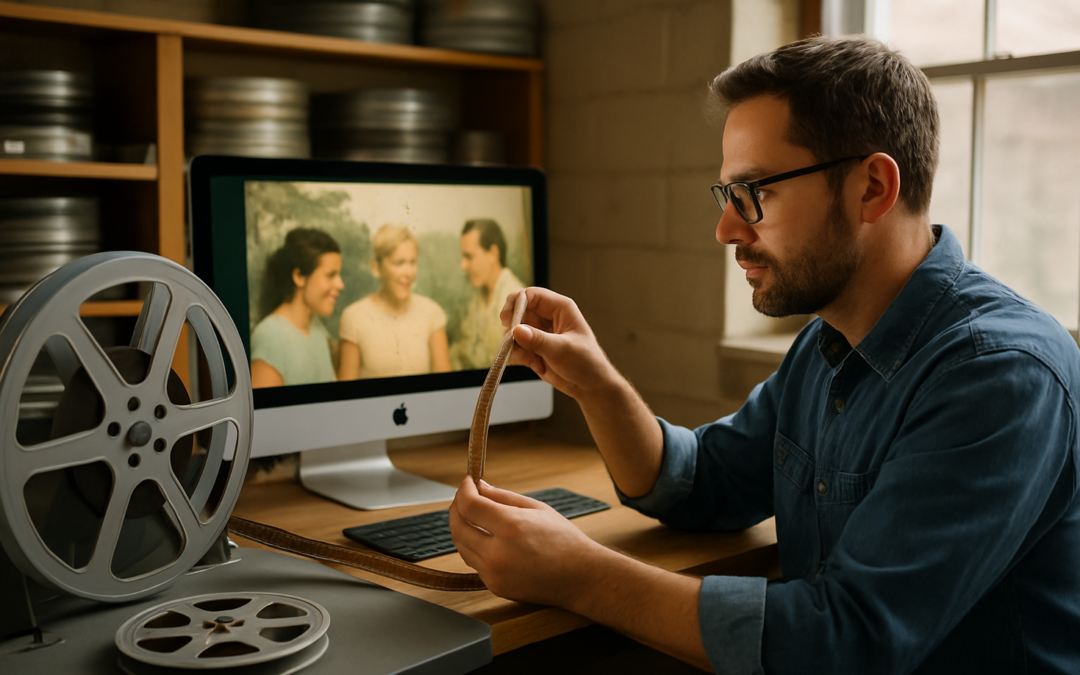
Careful Transfer Comes First
A box of 8mm reels turns up during a move or a holiday visit, and someone digs out the old projector to see what is on them. Within a minute the film chatters, the picture jumps, and a brittle strip tears at an old splice. Aging film is far less forgiving than it was when it was new, and the machine that once showed it can now damage it.
For most families, bringing faded film back to life starts with getting every frame off the reel safely and clearly while the film can still be handled. Once that happens, the digital copy becomes the version everyone watches, and the original reel can rest.
This article walks through what that process involves. It covers why projectors are hard on old film, how cleaning and trimming prepare a reel, how a true film scanner works differently, what a scan can and cannot change, and how edits fit in once your footage is digital.
What Film Restoration Means for Home Movies
People often search for film restoration services expecting one single fix. In archive work, the term can cover a long chain of steps. For a family collection of 8mm, Super 8mm, or 16mm home movies, the step that matters most is the transfer itself, because a gentle, complete capture preserves everything still on the film.
That principle shapes our 8mm film transfer work and our other film services. We trim each film, clean it when the order includes cleaning, run it on professional film scanning equipment, capture each frame as its own image, and offer edits on request once the footage is digital. The sections below explain why each part of that approach matters.
Why Old Projectors Are Hard on Aging Film
Home movie projectors advance film with a claw or sprocket mechanism. It hooks into the perforations along the edge of the film, pulls one frame into place, holds it, and pulls again. That design worked well on fresh, flexible film, but it creates several problems on stock that has aged for decades.
Shrinkage: Acetate film can shrink as it ages. When the perforations no longer line up with the projector’s mechanism, the film can tear, skip, or jam.
Brittleness: Dry film can crack along its edges or snap at old tape splices under the tension of the take-up reel.
Heat: The projector lamp sits close to the film. If the film stalls in the gate, that heat can blister or burn the frame.
Repeated wear: Each pass through the gate and over the rollers can add fine scratches, and those scratches stay on the film permanently.
A single screening for old times’ sake can cost a reel footage that survived decades in a closet. Holding off on projecting until the film is transferred is one of the simplest ways to protect it.
How We Clean and Trim Your Film
Dust, lint, and grime collect on film surfaces over years of storage and handling. Anything sitting on the film when it reaches the scanner shows up in the digital file, often as specks or hairs that flash across the picture.
Cleaning: When you choose an HD transfer, or add a cleaning charge to an SD order, we run the film through a special film cleaning solution on a microfiber cloth before scanning. This step lifts loose surface dirt so the scanner records the image instead of the debris on top of it.
Trimming: We trim the blank ends and the blank leader from all films. Your finished video starts on the first real image instead of several seconds of empty white or black frames, and it ends cleanly when the footage does.
Cleaning removes loose dirt from the surface of the film, but it cannot fix scratches. Those are part of the film itself, so they will still show in the digital file.
How a True Film Scanner Handles Your Reels
Our scanner moves film without pulling it through by the sprocket holes the way an old projector does. Avoiding that tug on fragile perforations matters most for the reels families worry about: the shrunken, dry, or heavily spliced ones.
It is also a true film scanner rather than a camera. Some transfer setups, including many DIY methods, point a video camera at a projected image or at film running through a modified projector. That approach records the film secondhand, through a lens and through the projector’s light and shutter. A dedicated film scanner captures every frame directly, without touching the images themselves.
We use the same careful handling across formats, whether you bring in standard 8mm, Super 8mm, or reels that need a 16mm film transfer.
Why Flicker-Free Frame Capture Matters
Flicker in transferred home movies usually comes from a mismatch. Many 8mm and Super 8mm cameras ran at frame rates that differ from standard video, and a projector’s spinning shutter adds its own pulse of light. When a video camera records that projection, the two rhythms clash. The result can be pulsing brightness, rolling bands, or doubled frames.
Our scanner is flicker-free because it captures each frame individually instead of filming a projection in real time. Each frame becomes a clean still image, and the sequence plays back at a natural speed in the finished file.
Frame-by-frame capture also means short moments come through intact. A quick pan across a birthday table or a few seconds of a first step can last only a handful of frames, and a real-time recording can blur or drop them.
What a Scan Cannot Change
A gentle, complete transfer gives you a faithful copy of the film as it exists today. Damage already in the film travels with it into the digital file.
Scratches in the emulsion: Scratches from years of projection are part of the physical film, so cleaning cannot lift them and the scan records them along with the image.
Faded color dyes: Color film dyes fade unevenly over decades, which is why some reels show a pink, orange, or washed-out cast.
Chemical decay: Acetate film can develop vinegar syndrome, a breakdown that gives off a sour smell and can warp and shrink the film.
Original filming conditions: Shaky handheld shots, missed focus, and badly exposed scenes were recorded that way when the camera was rolling.
This is why timing matters. Film stored in attics, garages, or basements, where temperatures swing sharply, tends to deteriorate faster than film kept somewhere stable. Scanning a reel while it is still flexible captures it in the best condition it has left.
Edits Available on Request
Once your footage is digital, editing is a separate, optional step. Some families want the transfer exactly as the reels play, with only the blank leader and ends trimmed. Others want a finished video to share at a reunion or holiday gathering.
Before you decide, watch the transfer and note what you would change. Families often consider whether to put several reels in date order, whether to remove scenes that came out too dark or out of focus, or whether to add titles that identify people and places. If you want changes like these, ask about film editing and we can talk through which edits suit your footage.
Getting Your Reels Ready for Drop-Off
A little preparation makes the transfer smoother and protects the film until it reaches us.
Stop projecting: Leave the reels on their spools and skip the test run, since a projector can do the most harm to fragile film.
Check for a vinegar smell: Bag any reel that smells sour separately, because the decay can spread to nearby film in a closed box.
Decide on cleaning: Cleaning comes with an HD transfer and can be added to an SD order, so consider it for reels that have sat in dusty boxes or been handled often.
Keep labels and notes: Write down names, dates, and places you remember for each reel. Those notes help if you later want titles or a specific order.
Store reels cool and dry: Move them out of the garage or attic into an interior closet until drop-off.
Gather the rest of the box: Film often shares a box with prints that have faded too. Our photo restoration service can address damaged prints alongside your film project.
You can bring reels to our Fort Collins location or to our Denver drop-off location, so families along the Colorado Front Range have a local option instead of shipping irreplaceable film.
Ready to Get Your Home Movies Off the Reel?
If your reels have been through a projector recently, smell faintly of vinegar, or have gathered dust in storage for years, a careful transfer is the safest next step before the film gets harder to handle. Leave A Legacy trims the blank leader and ends from every film, cleans film with HD orders or as an add-on to SD orders, and scans 8mm, Super 8mm, and 16mm film on a true, flicker-free film scanner that does not pull film by its sprocket holes. We capture every frame, offer edits on request, and deliver files on USB or through cloud storage. To get your reels scheduled, contact our team today.