
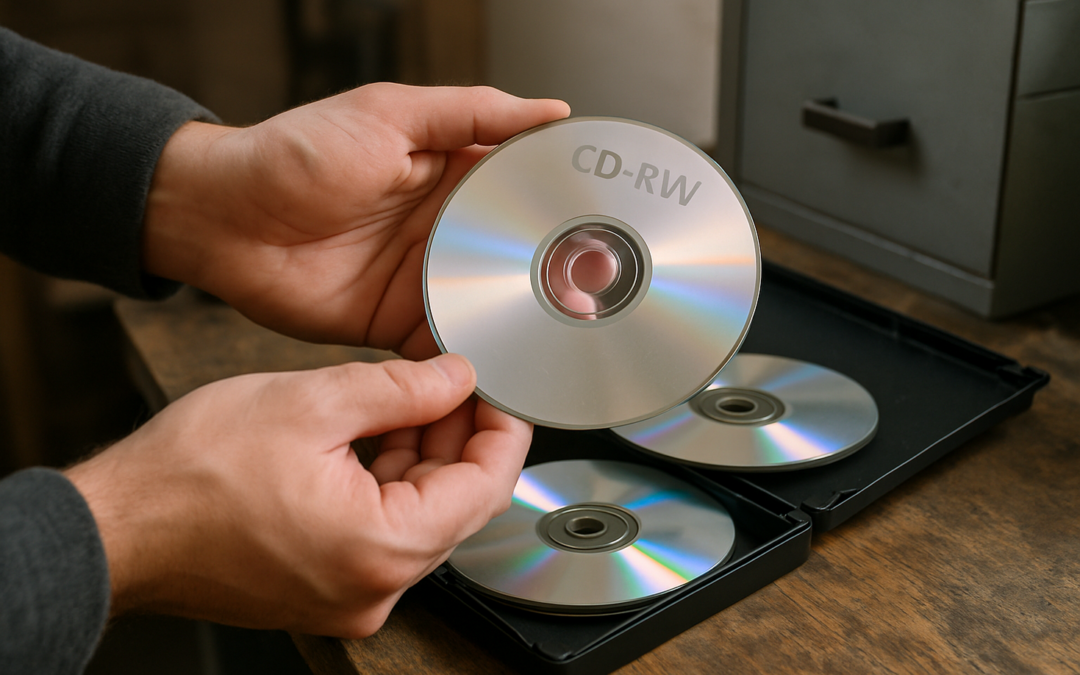
Somewhere in a closet or desk drawer, there's probably a spindle of CD-RW discs labeled in marker: "Family Photos 2003," "Grandma's 80th," "Music Mix for Road Trip." They felt permanent at the time. A disc is a disc, right? It's plastic and metal, it should last forever.
It won't. CD-RW discs were never built for long-term storage, and many that were burned fifteen or twenty years ago are already unreadable or close to it. Unlike a printed photo that fades slowly and visibly, a failing CD-RW often gives no warning at all. One day it works, the next day your computer can't find a single file on it.
This article explains why CD-RW discs degrade faster than other optical media, how to spot the warning signs before a disc dies completely, and what to do with the files still trapped on them while they're still readable.
What Makes CD-RW Different From a Pressed CD or CD-R
Not all shiny discs age the same way, and the differences matter more than most people realize.
Pressed CDs (the kind you'd buy with a store-bought album) store data as physical pits stamped directly into a reflective layer. There's no chemical dye involved, which is part of why factory-pressed discs tend to hold up reasonably well over time.
CD-R discs (write-once, burn a disc at home and it's done) use an organic dye layer that a laser permanently darkens to encode data. Once burned, the dye doesn't change again, which gives CD-Rs a longer realistic lifespan than their rewritable cousins.
CD-RW discs use a different kind of layer entirely: a phase-change alloy that can be melted and reset over and over, which is what lets you erase and rerecord the same disc hundreds of times. That flexibility is the whole appeal of CD-RW, and it's also exactly why the format ages so poorly. The same chemistry that lets you rewrite the disc also makes it less stable at rest.
The Dye and Alloy Layer Problem: Why Rewritable Discs Fade Faster
A CD-RW's recording layer sits in a delicate chemical balance between its "recorded" and "erased" states. Heat, humidity, and ordinary light exposure push that balance in the wrong direction over time, even if the disc is just sitting in a drawer and never touched.
As the alloy layer slowly shifts, the contrast between recorded and blank areas weakens. A disc drive that could once read the data cleanly starts struggling to tell the difference between a 1 and a 0. The result isn't a dramatic failure, it's a slow erosion that often isn't obvious until you try to open the files and get an error message.
Colorado's dry climate and the wide indoor temperature swings common across the Front Range, from a hot attic in July to a cold garage in January, accelerate this kind of chemical breakdown. Discs stored in those conditions for years are at higher risk than ones kept in a stable, climate-controlled space.
Warning Signs Your CD-RW Collection Is at Risk
Most CD-RW failures don't come with much notice, but a few signals are worth checking for before it's too late. Most people no longer have a CD drive in their computer and no way to access the files themselves.
Slow or stuttering playback: If a disc that used to load instantly now takes noticeably longer, or video and audio start skipping, the readable surface is likely already degrading.
Files that open with errors: A folder that shows file names but throws an error when you try to open the actual photo, document, or song is a disc in the middle of failing, not one that has already failed completely.
Visible haze or discoloration: Hold the disc up to a light. A cloudy, hazy, or unevenly colored recording layer, as opposed to the normal shiny silver or gold, often indicates the alloy has started to separate or oxidize.
Discs that have sat untouched for over a decade: Even discs with no visible damage and no read errors yet are living on borrowed time once they pass the ten to fifteen year mark. The lack of symptoms today doesn't mean the files are safe.
What Happens When a CD-RW Finally Fails
Unlike a scratched photograph, which usually stays partially viewable even when damaged, a failed CD-RW tends to be all-or-nothing. Once the drive can no longer distinguish the recorded pattern from the blank state, the files on that disc are effectively gone. There's rarely a partial recovery, and no amount of cleaning or polishing restores chemistry that has already shifted.
This is the core problem with treating CD-RW as a backup plan. It feels safe because it's a physical, tangible object you can hold and label, but the format has a built-in expiration date that most people never think about until the disc won't load.
Protecting What's Still on Your Discs
The good news is that if a CD-RW still reads today, even slowly or with minor errors, the files on it can usually still be pulled off and moved somewhere more durable. The window just keeps shrinking the longer those discs sit.
Families tend to accumulate CD-RWs from a specific stretch of years, roughly the late 1990s through the mid-2000s, when burning your own discs was the default way to back up digital photos, home videos, and music before cloud storage and smartphones took over. If your household spans several generations of saving habits, it's worth understanding how each generation tends to store memories, since the fix for CD-RWs is often different from the fix for a shoebox of prints or a shelf of VHS tapes. Our family media by generation guide breaks down which formats tend to show up at which stage of a family's history.
It's also common to find discs holding scanned paperwork rather than photos or videos: old tax records, letters, or genealogy research someone burned to disc for safekeeping. If that describes a disc in your collection, a digitizing service can pull that material into a format that won't depend on fragile disc chemistry at all.
Once the files are off the disc, the safest long-term approach is redundancy: a digital copy stored in the cloud, plus a local copy on a drive or USB, so no single point of failure can take everything with it again. Many of the photos and recordings trapped on these discs carry details that never made it anywhere else, which is part of why we gathered some of the stories behind the memories our clients have rediscovered after transferring their own aging collections.
Preserve What's Still on Your CD-RWs with Leave A Legacy
Leave A Legacy specializes in rescuing content from aging and deteriorating media before it's lost for good, including the photos, home movies, and audio files families burned onto CD-RW discs years ago. Trained technicians handle each disc by hand, pull the files that are still recoverable, and deliver them back in modern, durable formats you can access on any device. Learn more about who we are and reach out soon if you have a stack of old CD-RWs so the files still on them can be recovered before the window closes for good.